
The best cookie consent plugin for WordPress is the one that works with your stack rather than against it. Every plugin here will show a banner. The differences show up later: whether it detects the services you actually run, whether it survives your caching plugin, and whether it still works after the next core update.
This guide compares six plugins on what you can check for yourself once they are installed.
How we compared them
These are the things worth checking before you commit:
- How it is delivered: whether the banner and the script blocking run inside WordPress or are loaded in from elsewhere
- Scan and setup: does it detect the cookies and services on your site, or ask you to describe them?
- Documents: which legal documents it generates, and whether they adapt by region
- Page speed: what it adds to a page, and whether it works with your caching and optimization plugins
- Price per site, per year: the number that matters once you maintain more than one site
Cookie consent plugins for WordPress: at a glance
| Complianz | CookieYes | Cookie Compliance | iubenda | Cookiebot | Termly | |
|---|---|---|---|---|---|---|
| Type | Native plugin for WordPress and Shopify | Native plugin with a hosted dashboard | Native plugin, with an optional connected mode | Plugin plus hosted platform, with the banner delivered from iubenda | Plugin wrapper around an externally hosted script | Plugin wrapper around an externally hosted script |
| Setup | Scan-driven wizard pre-fills your configuration | Scan plus dashboard configuration | Banner-only mode works with no account at all | Guided, scan-based setup | Scan then manual configuration | Questionnaire-driven for documents |
| Documents | Privacy statement, cookie policy, impressum, and terms, region-specific | Cookie policy, with privacy policy on paid plans | Links your existing policy, does not generate one | Policies generated from a scan of the services your site runs, 2,400+ clauses | Privacy and cookie policy only | Wide document range, questionnaire-based |
| Region targeting | Geolocation with region-specific banners and documents | Geotargeting on paid plans | Coverage described for 100+ countries in connected mode | Region-aware policies and banners | Geotargeting included | Regional controls included |
| Page speed | Runs inside WordPress, no external script required | Reviews report banner and performance issues on some setups | Lightweight, banner-only mode adds very little | Lightweight script, engineered to keep INP in the green | Reviewers report added page weight | Reviewers report slower page loads on larger sites |
| Price | Free plan, paid from €59/year | Free plan, paid from $10/month | Free plan, paid tiers available | Free plan, paid from €4.99/month | Free plan, paid from €7/month, priced by sub-page count | Free plan with capped pageviews, paid from $10/month |
What to check before you install anything
Whether it reads your site or asks you about it
A questionnaire captures your site on the day you filled it in. A scanner reads what is actually running and can rescan later, which is what catches the analytics tool you added last month. If the plugin generates your policy, this is the difference between a document that describes your site and one that describes your memory of it.
How it behaves with caching and optimization plugins
Most banner problems on WordPress are not banner problems. They are caching problems, or a conflict with an optimization plugin that defers scripts. What matters is whether the plugin understands that layer, which is easier when the banner and the blocking logic run inside WordPress.
What the free tier actually includes
Free tiers differ enormously. Some cap pageviews, some withhold geotargeting, some give you a banner but no policy. Check which limit you will hit first, and what the next tier costs.
The six plugins
1) Complianz
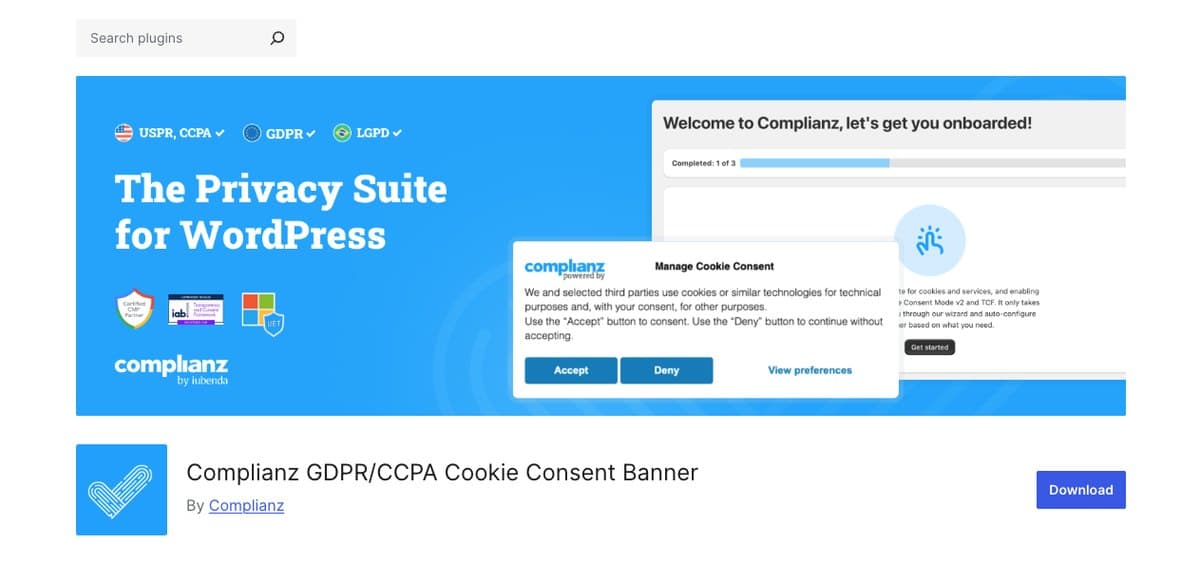
Complianz is built for WordPress rather than adapted to it, with a Shopify app alongside. The setup wizard runs from your own scan results, so you confirm what was found instead of answering questions about your own site, and geolocation handles the differences between regions.
What you get
- Native plugin for WordPress and Shopify, no external script required
- Scan-driven wizard that pre-fills your configuration
- Region-specific banners and documents through geolocation
- Generates legal documents: privacy statement, cookie policy, impressum, and terms through a separate free plugin
- Google-certified, with Google Consent Mode v2 support
- Consent statistics and A/B testing
- 30-day money-back guarantee
Trade-offs
- WordPress and Shopify only, so a site on another platform needs something else
- Terms and conditions come from a second, free plugin rather than the main one
Price: free plan, paid from €59/year, under €5 a month.
Best for: WordPress and Shopify sites that want consent, documents and regional rules handled natively.
2) CookieYes
CookieYes covers scanning, the banner, script blocking and a cookie policy. Configuration lives in a hosted dashboard rather than inside WordPress, so the plugin is the delivery mechanism rather than the product.
What you get
- Cookie scanning and automatic categorization
- Script blocking and consent logs
- Google-certified CMP
- Geotargeting on paid plans
- A free plan that covers a small site
Trade-offs
- Support-forum threads report banners not displaying reliably, cookies being missed or miscategorized, and pages failing to load after editing the policy
- Configuration lives in a hosted dashboard, so your consent setup is not in your WordPress backup
- No dedicated handling for data subject requests
- Document generation stops at a cookie policy, with the privacy policy on paid plans
- Geotargeting sits behind a paid plan, so regional differences cost extra
Price: free plan, paid from $10/month.
Best for: sites that want cookie consent handled and manage their legal documents elsewhere.
3) Cookie Compliance by Hu-manity.co
Cookie Compliance, still widely known by its old name Cookie Notice, is banner-first. Banner-only mode puts a notice on the page and does little else. Script blocking, analytics and multi-region coverage all sit in connected mode, which is a separate service the plugin talks to.
What you get
- Banner-only mode that runs without an account
- Connected mode for script blocking, analytics and multilingual support
- Equal-weight accept and reject buttons by design
Trade-offs
- Does not generate legal documents at all: it links the policy you already have
- Reviewers also complain of dashboard notifications and of the plugin modifying JavaScript on the site
- Banner-only mode does not block scripts, which is the part that does the compliance work
Price: free plan, paid tiers available.
Best for: sites that want a banner with minimal overhead and already have their policies.
4) iubenda
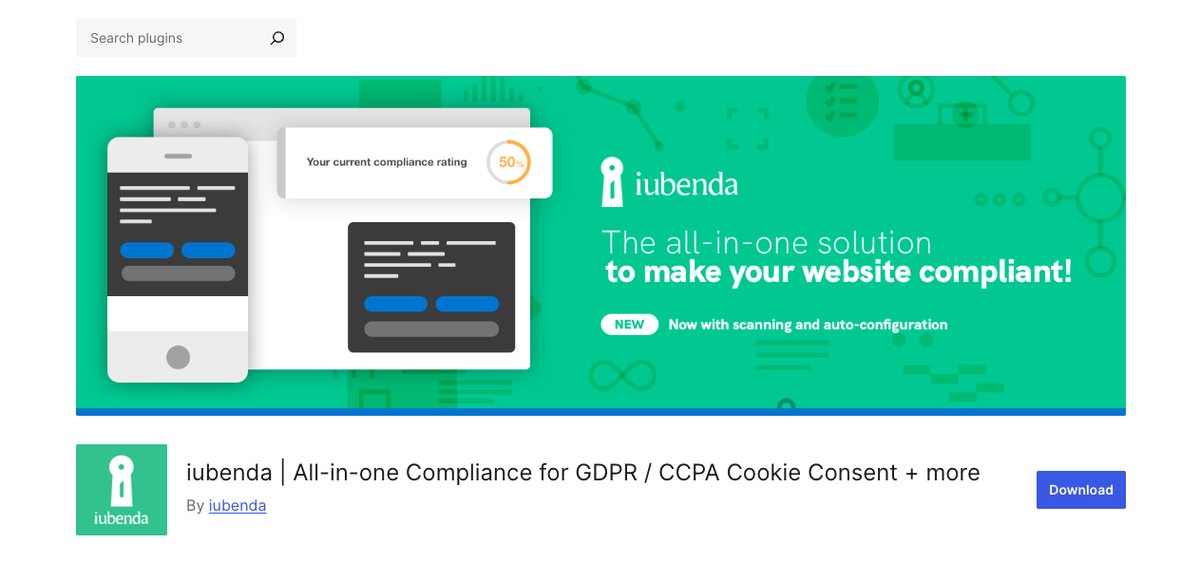
iubenda, part of the same group as Complianz, generates your policies from a scan of the services your site actually runs, then rescans on a schedule and tells you when something new appears. The same subscription also covers accessibility, data subject requests and whistleblowing, and sites that are not on WordPress.
What you get
- Policies generated from a scan of the services your site actually runs, with recurring scans
- A clause library of 2,400+ clauses maintained by an in-house legal team
- Accessibility, data subject requests, and whistleblowing on the same subscription
- Consent analytics and consent recovery
- Integrations across WordPress, Shopify, Webflow, Google Tag Manager, and more
Trade-offs
- Configuration lives in the iubenda dashboard rather than entirely inside WordPress
- Documents are embedded from iubenda rather than stored as native WordPress pages
- More than a small brochure site needs if consent is the only requirement
Price: free plan, paid from €4.99/month.
Best for: sites that need documents, accessibility and data subject requests alongside consent, on WordPress and beyond.
5) Cookiebot
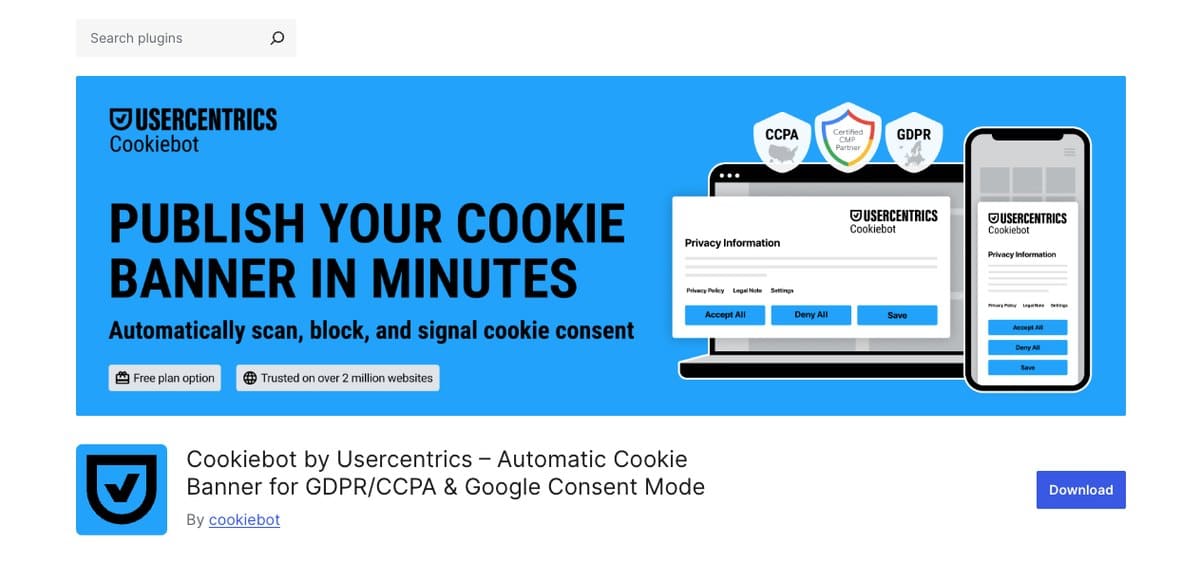
Cookiebot is a cookie-focused CMP that runs from an externally hosted script, with pricing based on how many sub-pages your site has. Scanning and categorization are its core.
What you get
- Automated scanning with automatic cookie categorization
- Geotargeting for region-specific consent experiences
- Cross-domain consent sharing
- An opt-in and opt-out analytics dashboard
- Google-certified, with Google Consent Mode v2 support
Trade-offs
- Reviewers report added page weight
- Pricing is based on sub-page count, which is harder to forecast on a large content site
- Document generation covers privacy and cookie policies only
Price: free plan, paid from €7/month.
Best for: sites that mainly need cookie scanning and handle documents elsewhere.
6) Termly
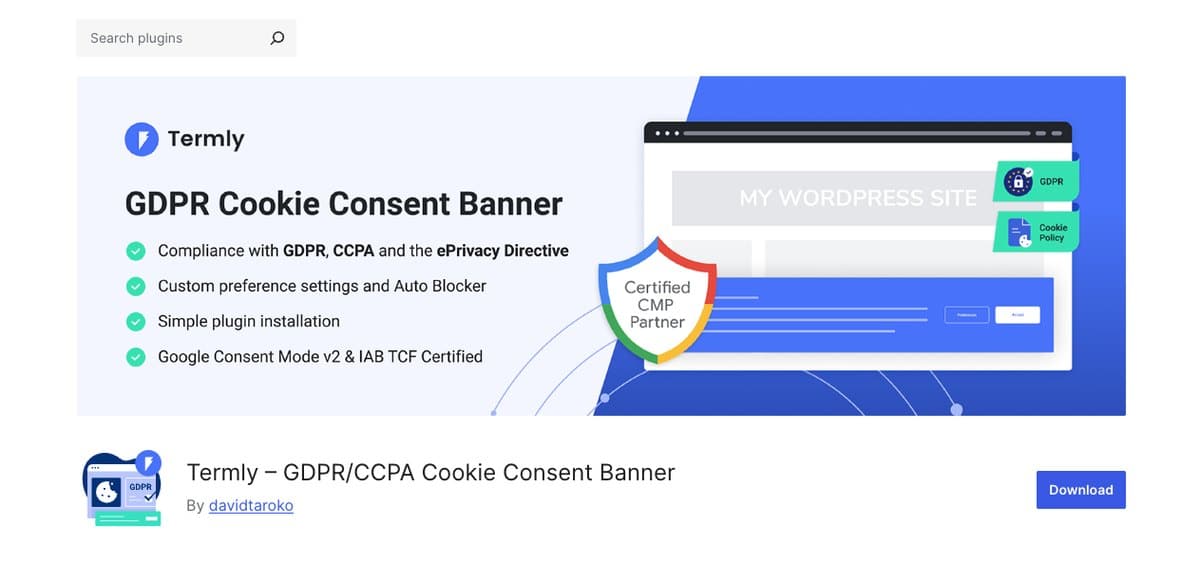
Termly is a document generator with a consent layer added: privacy and cookie policies, terms and conditions, impressums, return and shipping policies, built from a questionnaire rather than a scan.
What you get
- A wide range of legal documents
- Cookie scanning and script blocking
- Consent logs and regional controls
- A free plan with capped monthly pageviews
Trade-offs
- Documents are questionnaire-based rather than built from a scan of your site
- Limited customization of both policies and banner
- Reviewers report slower page loads on larger sites
Price: free plan with capped pageviews, paid from $10/month.
Best for: sites that mainly need a wide range of legal documents.
Choosing the right plugin for your site
Four questions narrow it quickly.
- Do you need the plugin to write your policies? Complianz, iubenda and Termly generate documents. CookieYes is narrower, Cookiebot covers two, and Cookie Compliance links the policy you already have.
- Do you sell into more than one region? Region-specific banners and documents are the difference between one banner and the right banner.
- Is page speed already a problem? Check reviews for reports of added weight, and ask how the banner is delivered on a cached page.
- How many sites do you maintain? Per-year pricing is easier to live with across a portfolio than per-month pricing tied to pageviews or sub-pages.
If the plugin has to produce your documents as well as your banner, and your sites are on WordPress or Shopify, the shortlist is short.
Showing a banner is the part every plugin here does. Blocking the scripts behind it, adapting to the visitor’s region, recording what was agreed, testing what performs better and generating the documents that explain it are where the list thins out. On WordPress and Shopify, Complianz does all of them, from inside WordPress.
Frequently asked questions
What is the best cookie consent plugin for WordPress?
It depends on whether you need documents. For consent, region-specific banners and legal documents handled natively inside WordPress, Complianz. For a site that also needs accessibility, data subject requests or whistleblowing, iubenda covers those on the same subscription.
Do I need a cookie consent plugin on WordPress?
If your site sets cookies that are not strictly necessary, and you have visitors in regions whose rules require consent, then regulations require you to ask before those cookies are set. A plugin is the practical way to do that on WordPress.
Will a cookie consent plugin slow down my site?
It can. Anything you add to a page has a cost, and the question is whether it is managed well: whether the banner works with your caching setup rather than around it, and whether the script is built to stay light. Check reviews for reports of added page weight before you commit.
Is a free cookie consent plugin enough?
For a small site with a policy already in place, often yes. Free tiers usually cap something: pageviews, geotargeting, or document generation. Check which limit you would hit first and what the next tier costs.
Consent that works with WordPress, not against it
A consent plugin should be something you configure once and stop thinking about. It scans, it shows the right banner in the right region, it blocks what it should, and it leaves your page speed alone.
Install Complianz and see how it behaves on your site. There is a free plan, and paid plans start at under €5 a month with a 30-day money-back guarantee.