
Looking for a Termly alternative for WordPress? Termly gives you policies and a consent banner, and builds both the same way: you answer questions, it produces output. That holds up until the site changes, because nothing tells either half about it.
This guide compares five options on both halves, the consent layer and the documents, and on how each behaves inside a WordPress stack alongside your theme, your page builder and your caching setup.
Termly alternatives for WordPress: at a glance
| Complianz | iubenda | Cookiebot | CookieYes | Enzuzo | |
|---|---|---|---|---|---|
| Integration | Native WordPress plugin | Plugin plus hosted platform, works beyond WordPress | Third-party script with a plugin wrapper | Plugin with a hosted dashboard | A WordPress plugin, built around ecommerce |
| Documents | Privacy statement, cookie policy, impressum, and terms through a separate free plugin, region-specific | Policies generated from a scan of the services your site runs, 2,400+ clauses | Privacy and cookie policy only | Cookie policy, privacy policy on paid plans | Narrower range, questionnaire-based |
| How documents are built | From your scan results | From a scan, with recurring rescans | From a scan, for cookies only | From a scan, for cookies only | From a questionnaire |
| Consent layer | Prior blocking, region-specific banners, consent statistics and A/B testing | Prior blocking, region-aware banners, consent analytics and consent recovery | Prior blocking, geotargeting, cross-domain consent | Prior blocking, geotargeting on paid plans | Banner with regional variants, no optimization |
| Page speed | Runs inside WordPress, no external script | Lightweight script, engineered to keep INP in the green | Reviewers report added page weight | Reviews report banner and performance issues on some setups | Reviewers report display and performance issues |
| Price | Free plan, paid from €59/year | Free plan, paid from €4.99/month | Free plan, paid from €7/month | Free plan, paid from $10/month | Free plan, paid from $9/month |
| Best for | WordPress sites that want consent and documents handled in one plugin | Sites that need accessibility and data subject requests too | Sites that mainly need cookie scanning | Sites that want consent handled and documents elsewhere | Small stores covering the basics from one app |
Common reasons WordPress users compare alternatives
Termly is easy to start with, which is most of the case for it. Four things tend to push teams to look elsewhere.
Documents come from a questionnaire
Your documents reflect the answers you gave on the day you filled the form in. Add an analytics tool or an embed next month and nothing tells you the policy is now out of date.
A scanner works the other way round: it reads what is actually running on your site, and rescans catch changes as they appear.
Limited customization
Policies and banners are template-based, so wording and design can only be adjusted so far. Teams with specific legal requirements or a strict brand system hit that ceiling early.
Page speed on larger sites
Reviewers report slower page loads on WordPress. Slower pages cost search visibility and visitors, which shows up in revenue.
A review profile worth reading before you commit
The plugin has 80,000+ active installations, and a 3.6 out of 5 rating across 204 reviews. Two thirds are five-star and a third are one-star, with little in between, so it is worth reading both ends before you commit. The listing also shows it was last updated nine months ago.
Limited room to adapt the banner
Banner behavior is template-driven, so per-region variants and finer consent logic are only adjustable so far. Sites selling into several markets tend to hit that before they hit anything else.
What to check before you switch
Here is what to check before you commit.
A scanner rather than a form
A form can only record what you knew on the day you filled it in. A scanner reads the site itself, so the plugin finds the analytics tag your developer added last week and the embed your marketing team dropped into a landing page, without either of them having to remember to tell you.
Blocking that happens before the tracker fires
What matters is not where the code is hosted but whether trackers are held until consent. Ask how the tool blocks a script your page builder injects, and how it behaves on a cached page. Test it on your own site, because this is where setups differ most in practice.
The document list
This is where the options differ most. Check specifically which documents each one generates, and whether they adapt by region.
Room to grow
Free and entry tiers often cap pageviews or domains. Check what the next tier costs before you need it.
The five alternatives
1) Complianz
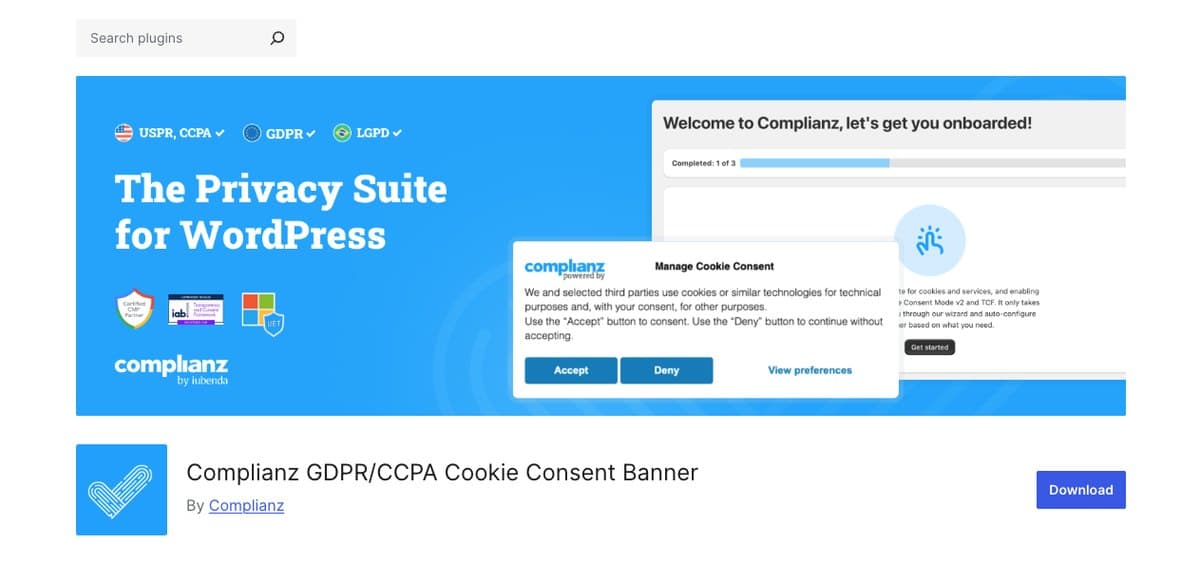
Complianz generates your documents from your own scan results rather than from a form, which is the difference that matters if you are leaving a questionnaire-based tool. The wizard confirms what the scan found instead of asking you to remember it.
It runs as a native plugin, so the banner and the blocking sit inside WordPress alongside your caching and optimization setup.
Pros
- Documents built from your scan, not from answers you typed months ago
- Rescan and regenerate when the site changes, from the same wizard
- Privacy statement, cookie policy and impressum, with terms from a separate free plugin
- Region-specific documents, so EU, UK and US visitors see what their region requires
- Native to WordPress: the plugin is the product, not a wrapper around a hosted script
Cons
- Tied to the platform: a site on any other stack needs something else
- Terms and conditions live in a second plugin, free but separate
- The document set is wide rather than exhaustive: no return or shipping policies
Pricing
- Free plan available
- Paid plans from €59/year, under €5 a month
How does Complianz compare to Termly?
Both generate a wide set of legal documents, which is why Termly users tend to shortlist Complianz first. The difference is how those documents are built and where the plugin runs.
Complianz generates from your own scan results and adapts by region through geolocation, and it runs inside WordPress rather than loading an external script. On the page speed complaint, that is the structural difference.
Best for: WordPress sites that want consent and documents handled in one plugin.
2) iubenda
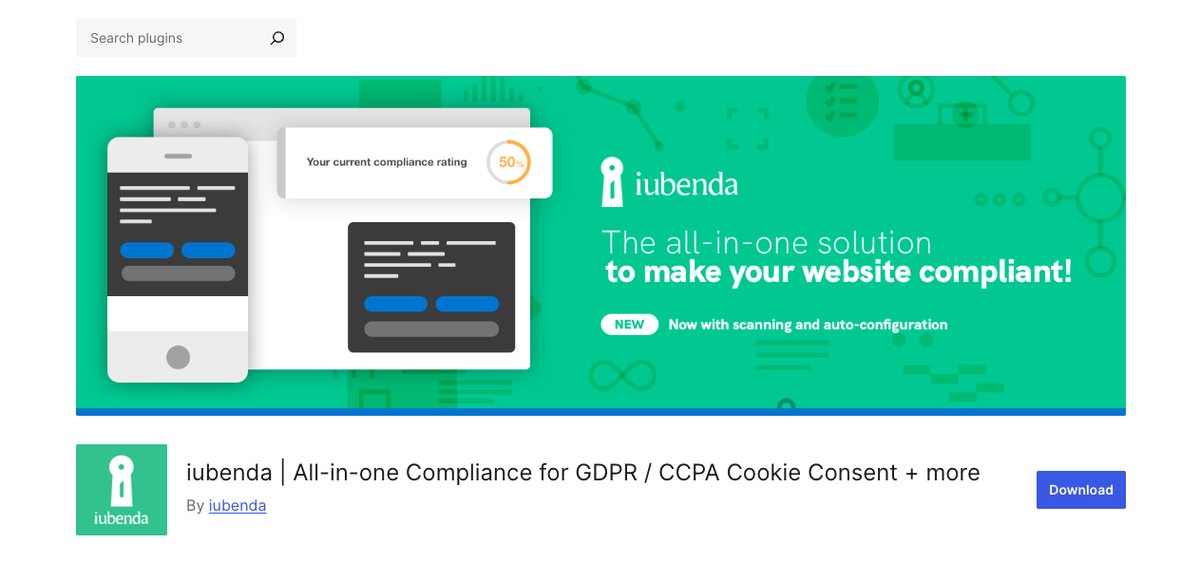
iubenda takes the same objection to questionnaires and answers it with a bigger clause library: 2,400+ clauses maintained by an in-house legal team, assembled from a scan of the services your site runs.
Recurring scans flag new services as you add them, so the policy keeps up with the site rather than waiting for you to notice.
Pros
- 2,400+ clauses maintained by lawyers, assembled from your scan
- Recurring scans that tell you when something new appears
- Accessibility, data subject requests and whistleblowing on the same subscription
- A full consent layer, not documents with a banner attached: prior blocking, per-region behavior, consent analytics and consent recovery
- Works beyond WordPress, on Shopify, Webflow and custom stacks
Cons
- Documents are embedded from iubenda rather than stored as WordPress pages
- Configuration lives in the iubenda dashboard
- Broader than a site that only needs documents
Pricing
- Free plan available
- Paid plans from €4.99/month billed yearly, or €5.99 month to month
How does iubenda compare to Termly?
On documents iubenda covers the same ground and keeps going, into accessibility, data subject rights and whistleblowing on one subscription, all generated from a scan and rescanned on a schedule.
On consent it is a different class of product from Termly. You get prior blocking, banners that change by region, consent analytics and consent recovery, where Termly gives you a banner and a record that it was shown. If you are replacing both halves rather than just the documents, this is the widest gap on the list.
It is a hosted platform with a WordPress plugin on top, so configuration lives in the iubenda dashboard rather than entirely inside WordPress.
Best for: sites replacing the whole setup, consent and documents, not just the policy generator.
3) Cookiebot
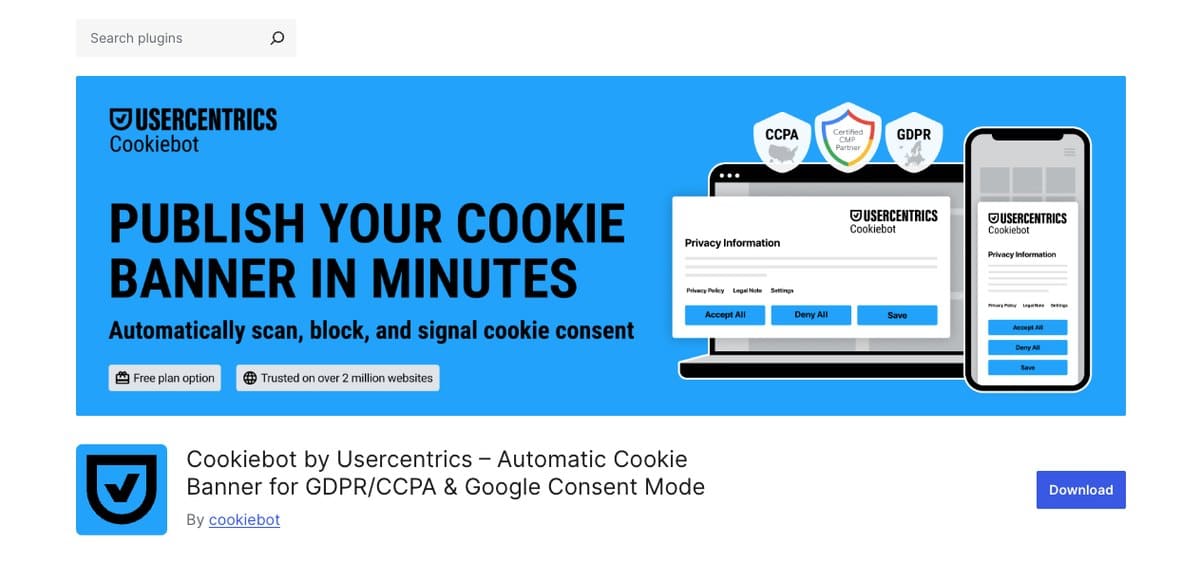
Cookiebot has a stronger scanner than Termly and adds geotargeting and cross-domain consent, which helps if accuracy rather than documents was your reason for leaving.
Pros
- The most established scanner of the options here
- Geotargeting and cross-domain consent sharing
- An opt-in and opt-out dashboard
Cons
- Documents stop at privacy and cookie policies, narrower than Termly
- Pricing is tied to sub-page count, which grows as you publish
- Reviewers report added page weight
Pricing
- Free plan available
- Paid plans from €7/month
How does Cookiebot compare to Termly?
The trade is accuracy for paperwork. You gain the better scanner and lose most of the document set: privacy and cookie policies only, narrower than what Termly already gave you.
Pricing is tied to sub-page count as well, so a content site with a deep archive pays for pages nobody is reading.
Best for: teams that already have their legal documents and only need consent handled.
4) CookieYes
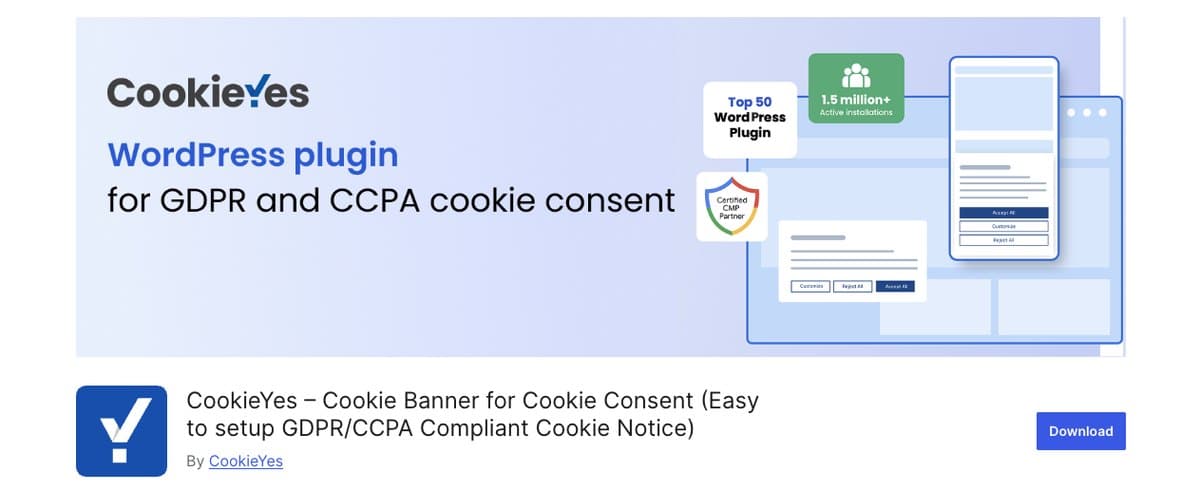
CookieYes scans rather than asking questions, which addresses the reason most people leave Termly. Its document range is narrower, so teams that need the wider set will look past it.
Pros
- Scanner-based rather than questionnaire-based
- A free plan that covers a small site
- Google-certified CMP
Cons
- Documents stop at a cookie policy, with the privacy policy on paid plans
- No terms, impressums, returns or shipping policies at all
- Configuration lives in a hosted dashboard rather than in WordPress
Pricing
- Free plan available
- Paid plans from $10/month
How does CookieYes compare to Termly?
CookieYes swaps the questionnaire for a scanner, which is worth something, and the free tier covers a small site.
Its document range is the limit: a cookie policy, with the privacy policy on a paid plan, and nothing beyond those two. Teams leaving Termly over the documents will want one of the options that goes wider.
Best for: sites where the scanner matters more than the paperwork.
5) Enzuzo

Enzuzo builds its documents from a questionnaire, the same method as Termly. Teams leaving that approach behind will want one of the scanner-based options.
Pros
- A free plan, paid from $9/month
- Quick to set up, with a guided flow
Cons
- Its WordPress plugin has 100+ active installations, no reviews, and a notice that it has not been tested with the latest three major releases of WordPress
- Questionnaire-based documents, the same approach as Termly
- A narrower document range than Termly
- Built around storefronts, so much of the product is aimed at a shop rather than a content site
- Advanced features sit on higher tiers
Pricing
- Free plan available
- Paid plans from $9/month
How does Enzuzo compare to Termly?
Enzuzo is built for stores, and on a content site that shows. You would be trading one questionnaire for another and ending up with a narrower document set than you started with.
It is a reasonable pick for a small shop. For a content site leaving Termly over how the documents are built, it answers a different question.
Best for: small stores that want a banner and a policy from one app.
Choosing the right one for your site
Four questions narrow it quickly.
- Was the questionnaire the problem? Complianz, iubenda, Cookiebot and CookieYes all scan. Enzuzo does not.
- Do you need the full document set? Only Complianz and iubenda match or beat Termly there.
- Is page speed already an issue? Check what the tool adds to your pages and how it is loaded, and measure on your own site rather than trusting a claim.
- How many sites do you maintain? Per-year pricing is easier across a portfolio than per-month pricing tied to pageviews.
If you came to Termly for the documents and stayed for the convenience, the shortlist is short: you want something that still writes your documents, but builds them from what your site actually runs.
Frequently asked questions
What is the best Termly alternative for WordPress?
Complianz, for a WordPress site that needs documents as well as consent, because it generates both from your own scan results and runs as a plugin rather than a hosted add-on. Teams whose list also includes accessibility or data subject requests can get all of it from iubenda instead.
Why do people look for a Termly alternative?
Three reasons come up most: documents are built from a questionnaire and go stale as the site changes, customization of policies and banner is limited, and reviewers report slower page loads on larger sites.
Will switching break my existing setup?
Switching consent plugins means reconfiguring your banner and regenerating your documents. It is an afternoon on a small site. Deactivate the old plugin only once the new banner is live, so you are never running two.
Is there a free Termly alternative?
Yes. Complianz, iubenda, Cookiebot and CookieYes all offer a free plan. Complianz is the cheapest of them per year once you leave the free tier.
A banner and a policy that both keep up
The banner and the documents are the same problem seen twice: both are only correct while they match what the site is running today. Complianz blocks the scripts, shows the right banner for the visitor’s region, and writes the policy from the same scan, so one rescan updates all three.
Install Complianz. The free plan is enough to see whether the scan finds what Termly missed, and paid plans start at under €5 a month with 30 days to change your mind.