
Looking for a Cookiebot alternative for WordPress? Most people arrive here for one reason: the invoice. Cookiebot charges by how many sub-pages your site has, so the tool gets more expensive every time you publish, and a content site ends up paying for an archive nobody is reading.
This guide compares five options on what matters inside a WordPress stack, and on pricing you can forecast.
Cookiebot alternatives for WordPress: at a glance
| Complianz | iubenda | CookieYes | Termly | Enzuzo | |
|---|---|---|---|---|---|
| Integration | Native WordPress and Shopify plugin | Plugin plus hosted platform, works beyond WordPress | Plugin with a hosted dashboard | Third-party script with a plugin wrapper | Shopify-first, with a WordPress plugin |
| How it loads | Runs inside WordPress, no external script | Lightweight script, engineered to keep INP in the green | Hosted script | Hosted script | Hosted script |
| Pricing model | Flat, per year, from €59 | From €4.99/month billed yearly, scales with traffic and domains | Per month from $10 | Per month from $10, free tier caps pageviews | Per month from $9 |
| Documents | Privacy statement, cookie policy, impressum, and terms through a separate free plugin, region-specific | Policies generated from a scan, 2,400+ clauses | Cookie policy, privacy policy on paid plans | Wide range, questionnaire-based | Narrower range, questionnaire-based |
| Region targeting | Geolocation with region-specific banners and documents | Region-aware policies and banners | Geotargeting on paid plans | Regional controls included | Regional controls included |
| Best for | WordPress and Shopify sites that want everything handled natively | Sites that need documents, accessibility and data subject requests | Sites that want consent handled and documents elsewhere | Sites that mainly need legal documents | Shopify stores covering the basics quickly |
Common reasons WordPress users compare alternatives
Three things send WordPress users looking, and they compound as the site gets bigger.
Pricing tied to sub-page count
Cookiebot prices on how many sub-pages your site has, so a content site costs considerably more than the entry price suggests, and the bill grows as you publish. Several reviews describe a monthly charge higher than the plan price they expected.
A measurable hit to page performance
The banner arrives as a request to Cookiebot’s servers on every page load, and reviewers report slower loading after installing it. On a content site that shows up in Core Web Vitals, which shows up in search.
Documents stop at two
Cookiebot generates a privacy policy and a cookie policy. Terms and conditions, impressums, return policies and anything else are a separate purchase.
The cost of fragmentation
Running consent in one product and documents in another means two subscriptions and two update cycles, and the maintenance load grows every time a regulation changes.
It also splits the scan from the policy. The tool that finds a new tracker is not the tool that has to describe it, and keeping the two in step is manual work nobody schedules.
What to check before you switch
Four things to settle before you switch scanners.
A pricing model you can forecast
Pricing tied to page count grows every time you publish. Flat annual pricing, or pricing tied to traffic and domains, is easier to plan around.
What it costs your page speed
Measure it rather than take the claim. Install a candidate on a staging copy, run Core Web Vitals before and after, and see what the banner adds on a real page of yours.
The document list
Check specifically which documents each option generates, and whether they adapt by region.
What the free tier actually includes
Free tiers differ enormously here. Work out which ceiling you hit first, pages or sub-pages or sessions, and what crossing it costs.
The five alternatives
1) Complianz
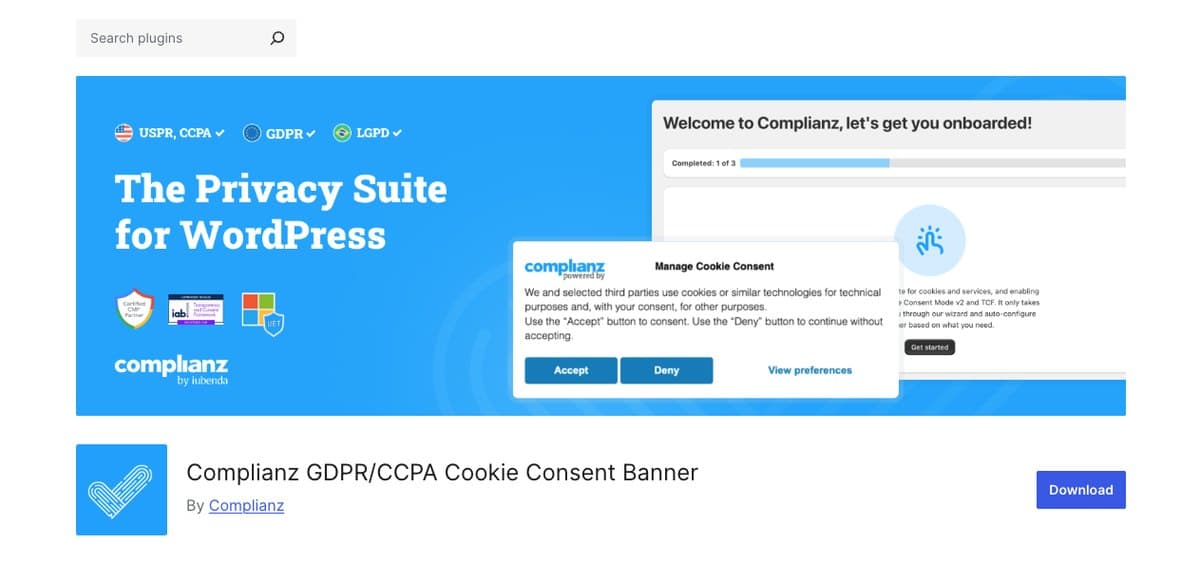
Complianz is priced flat per year rather than by how many pages your site has, which is the structural difference if the bill is what sent you looking. Publishing more does not move the price.
It also runs inside WordPress instead of loading a script from elsewhere, so the banner is part of the site rather than a request to somebody else’s server.
Pros
- Flat annual pricing that does not move with your page count
- Banner and script blocking run inside WordPress
- Four document types against Cookiebot’s two
- Geolocation for region-specific banners and documents
- Scan-driven setup that pre-fills your configuration
Cons
- No coverage outside WordPress and Shopify
- Terms and conditions come from a second, free plugin
- Scanning is solid but Cookiebot’s is the more established of the two
Pricing
- Free plan available
- Paid plans from €59/year, under €5 a month
How does Complianz compare to Cookiebot?
This is the most direct answer to both complaints. Complianz runs inside WordPress rather than loading an external script, and it is priced flat per year rather than by page count, so publishing more does not raise the bill.
It also generates a wider document set than Cookiebot’s two, and adapts banners and documents by region through geolocation.
Best for: WordPress sites that want the whole thing handled inside the CMS, priced per year.
2) iubenda
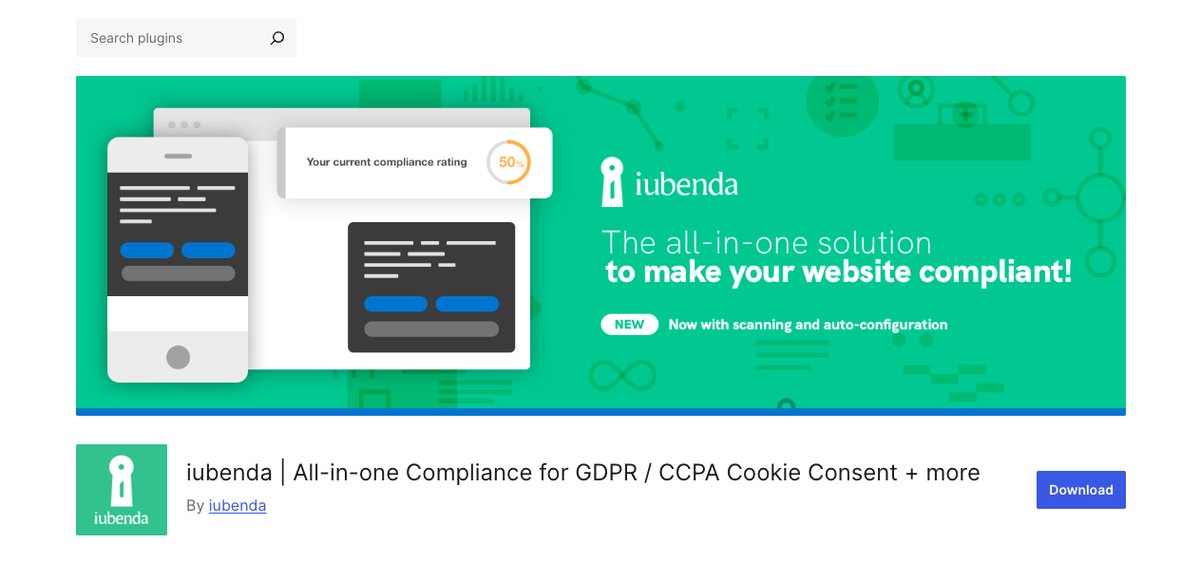
iubenda prices on traffic, domains and the solutions you switch on, rather than on how many pages you have published. For a content site that is the difference between a bill you can forecast and one that grows every week.
It also covers ground Cookiebot does not reach: data subject requests, accessibility and whistleblowing, on the same subscription.
Pros
- Pricing tied to traffic and domains, not page count
- Policies generated from a scan, with recurring rescans
- Accessibility, data subject requests and whistleblowing included
- A script engineered to keep INP in the green
Cons
- The banner is delivered from iubenda rather than from your own site
- Configuration lives in the iubenda dashboard
- More platform than a small site needs if consent is the only requirement
Pricing
- Free plan available
- Paid plans from €4.99/month billed yearly, or €5.99 month to month
How does iubenda compare to Cookiebot?
iubenda covers consent and documents, and keeps going into accessibility, data subject rights and whistleblowing on one subscription. Policies are generated from a scan of the services your site runs.
Pricing scales with traffic, domains and the solutions you activate rather than with page count, which is easier to forecast on a content site.
Best for: sites that need documents, accessibility and data subject requests alongside consent.
3) CookieYes
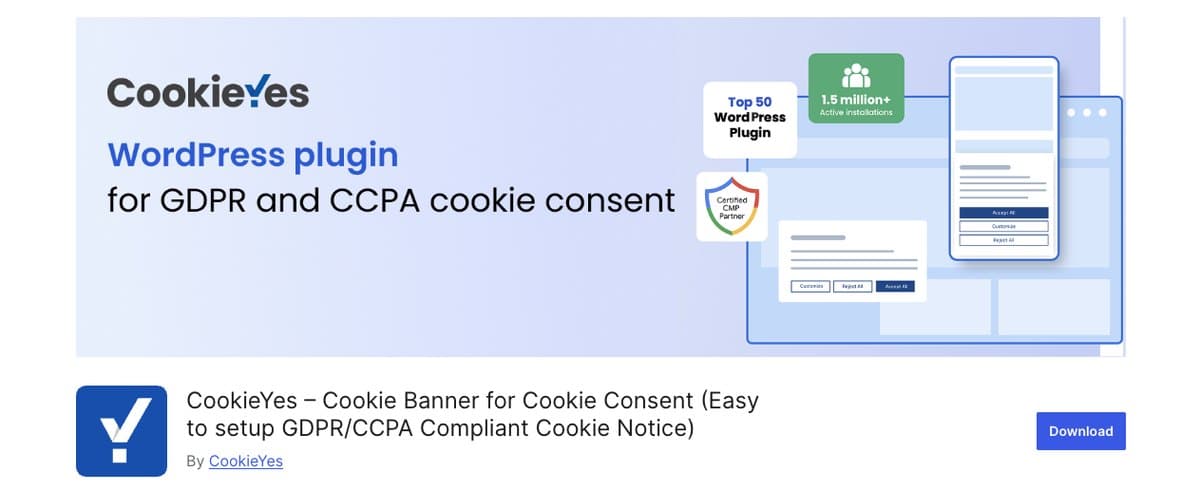
CookieYes prices per month without counting your pages, which is the direct answer to the Cookiebot billing complaint.
Pros
- Flat per-month pricing, no page counting
- Cookie scanning with automatic categorization
- A free plan that covers a small site
Cons
- Support-forum threads report banners not displaying reliably
- Document generation is narrower than Cookiebot’s, not wider
- Geotargeting sits behind a paid plan
Pricing
- Free plan available
- Paid plans from $10/month
How does CookieYes compare to Cookiebot?
CookieYes answers the billing complaint directly: pricing is per month and does not move with your page count.
It is still a hosted dashboard rather than a plugin, and its document range is narrower than Cookiebot’s. The saving is real; the document gap stays where it was.
Best for: sites buying a banner and nothing more.
4) Termly
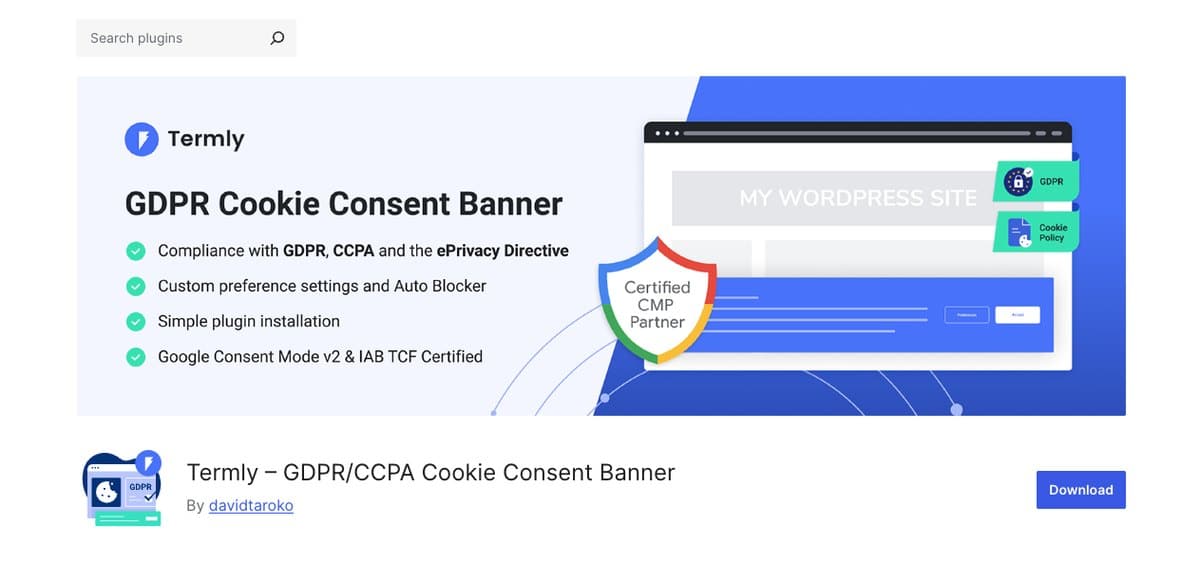
Termly covers more documents than Cookiebot, terms and impressums and return policies rather than two policies, but it builds all of them from a questionnaire. You get a longer list of documents that describe the site you described, not the site you have.
Pros
- The widest document range of the options here
- Per-month pricing that does not count your pages
- Cookie scanning and script blocking
Cons
- Documents come from a questionnaire, so they describe what you declared at setup
- Reviewers report slower page loads on larger sites, so the speed complaint follows you
- No consent rate optimization
Pricing
- Free plan with capped monthly pageviews
- Paid plans from $10/month
How does Termly compare to Cookiebot?
Termly is the obvious pick if the document gap is what bothers you, and the catch is how those documents are produced. A questionnaire asks what your site does; it never checks. Cookiebot at least writes its cookie policy from a scan.
On the other two complaints it does not help either: a hosted script, and reviewers report slower page loads on larger sites.
Best for: sites whose gap is documents rather than tracker detection.
5) Enzuzo

Enzuzo publishes per-month pricing that does not count pages, and suits a small store rather than a content site.
Pros
- Published pricing from $9/month, no page counting
- Native Shopify support
- Data subject request handling included
Cons
- Its WordPress plugin has 100+ active installations, no reviews, and a notice that it has not been tested with the latest three major releases of WordPress
- Questionnaire-based documents, narrower than Cookiebot on scanning
- Reviewers mention banner display issues
- Support is live chat only on most plans
Pricing
- Free plan available
- Paid plans from $9/month
How does Enzuzo compare to Cookiebot?
Enzuzo suits a small store rather than a content site: native Shopify support, consent, and data subject requests, at a published price.
Its documents are questionnaire-based and narrower than Cookiebot’s, and reviewers report display issues, so it is a fit for ecommerce rather than a general answer.
Best for: small stores that need something running this week, not the best scan.
Choosing the right one for your site
Four questions get you to an answer.
- Was the bill the problem? Complianz and iubenda both bill per year, and neither counts your pages. CookieYes and Enzuzo charge per month, also without page counting.
- Was page speed the problem? Complianz runs inside WordPress, so there is no third-party request at all. For the hosted options, test on your own site before you commit.
- Do you need more than two documents? Complianz, iubenda and Termly all go wider than Cookiebot.
- Do you sell into more than one region? A single banner shown everywhere is the most common reason a compliant setup stops being one.
If both the pricing model and the external script bother you, there is really one shape of answer: something that lives inside WordPress and charges by the site rather than by the page.
Frequently asked questions
What is the best Cookiebot alternative for WordPress?
For a WordPress or Shopify site, Complianz: it runs natively inside WordPress, is priced flat per year rather than by page count, and generates a wider document set. Where your obligations reach past privacy into accessibility or data subject requests, iubenda handles those too.
Why is Cookiebot expensive on large sites?
Pricing is based on the number of sub-pages your site has, so a content site with thousands of URLs sits in a much higher tier than the entry price suggests, and the cost grows as you publish.
Does Cookiebot slow down WordPress?
Reviewers report slower loading after installing it, and every page load waits on a request to Cookiebot’s servers. How much it costs you depends on your theme and your hosting, so measure it on a staging copy rather than trusting any number, ours included.
Is there a free Cookiebot alternative?
Yes. Complianz, iubenda, CookieYes, Termly and Enzuzo all offer a free plan. Complianz costs under €5 a month on the paid tier, billed flat per year.
Consent that does not bill you for publishing
A consent plugin should not get more expensive every time you write a post, and it should not be the reason your pages got slower.
Install Complianz. Run its scan next to your Cookiebot declaration and compare what each one found, then decide. The free plan covers that comparison, and paid plans start at under €5 a month.