From version 5.1 onward, this will be a default setting for you cookie banner. Until then, please do the following to add the privacy statement, or any link you would like to the cookie banner.
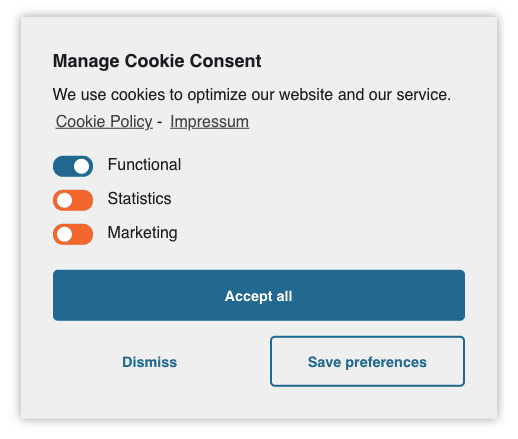
Remove the default links
Add below CSS to hide the links on the cookie banner:
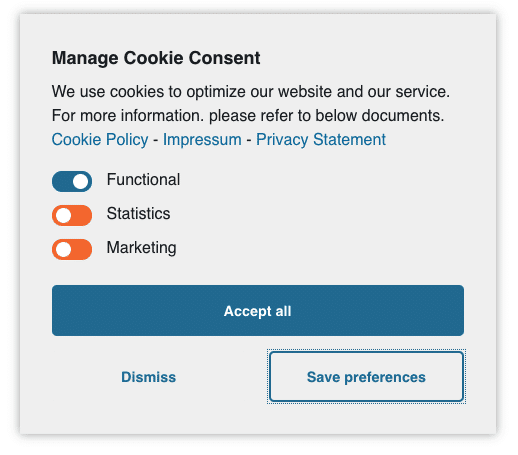
Adjust the cookie banner message
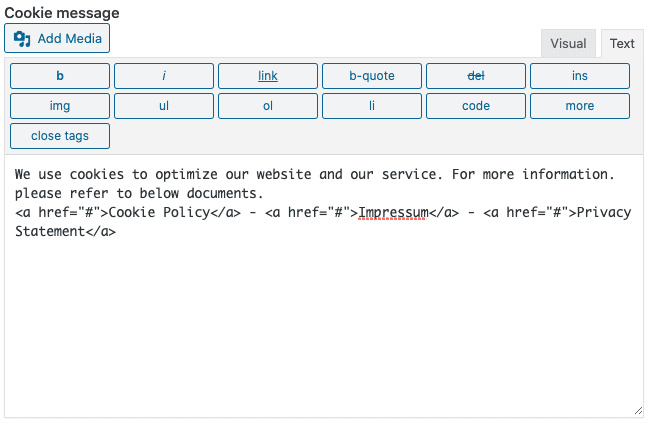
Under cookie banner settings add some HTML to show your new links. In the example we used:
Replace “#” with your desired hyperlink.